

Goals
- Set up distributed RL training with Miles
- Configure an OpenReward environment for training
- Monitor training progress with WandB
- Train a model on the WhoDunIt environment
Prerequisites
- Miles installed locally (
pip install -e /path/to/miles) - An OpenReward account and API key
- A WandB account and API key
- Python 3.11+
- NVIDIA GPUs (tested on H100/H200)
Setup
Miles is a fork of Slime that adds production-grade stability features for RL post-training. It uses SGLang for fast inference and supports FSDP or Megatron backends for distributed training. Key improvements over Slime include:- Graceful OOM recovery — benign OOMs from variable-length multi-turn rollouts are caught and propagated instead of crashing the job
- True on-policy with FSDP — zero train-inference mismatch via aligned numerics (FlashAttention-3, DeepGEMM, batch-invariant kernels)
- FSDP memory fixes — reduced excessive memory usage, move-based offloading, host peak memory savings
- Partial rollout & over-sampling — handles the long-tail effect in multi-turn RL by over-sampling and recycling half-finished trajectories
Understanding the Training Pipeline
The training pipeline combines three services:- Miles provides the distributed compute infrastructure for running training (FSDP or Megatron backend) and SGLang for fast inference during rollouts, with production-grade stability features
- OpenReward provides the environments and tasks for the agent to learn from
- WandB tracks metrics, logs, and training progress
Selecting an Environment
Browse available environments at OpenReward: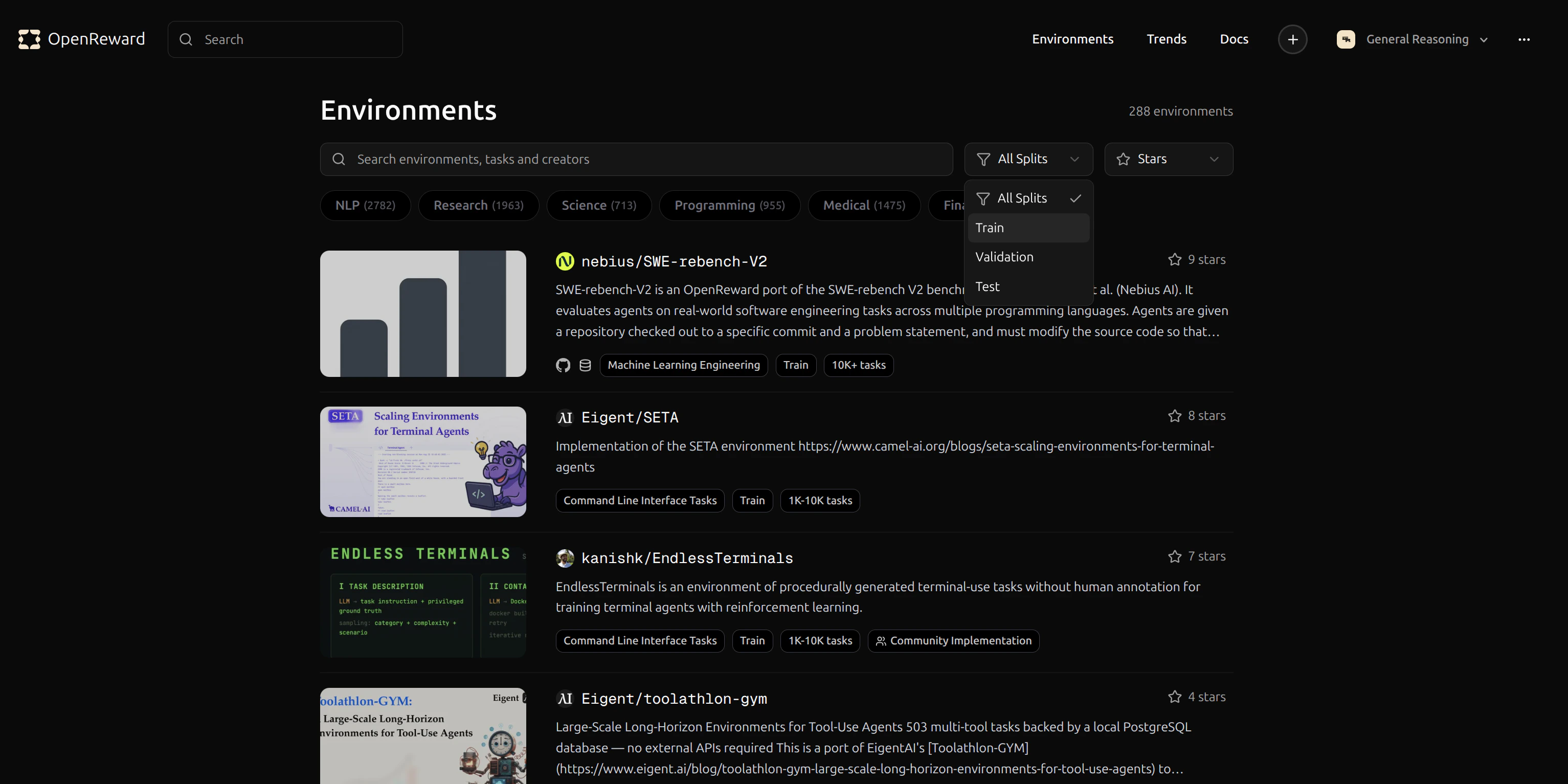
GeneralReasoning/WhoDunIt environment for this tutorial. This environment challenges agents to solve mystery scenarios.
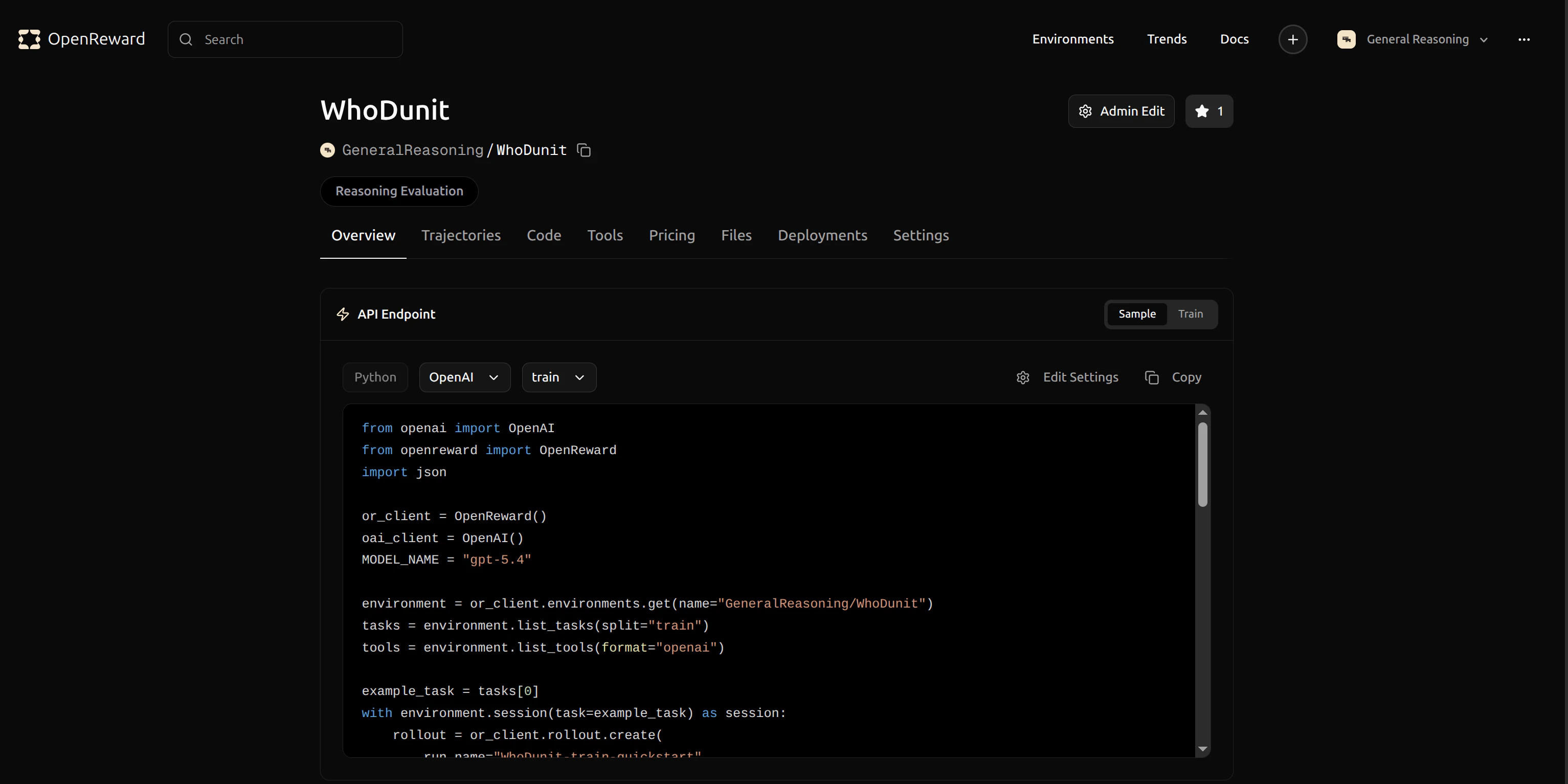
GeneralReasoning/WhoDunIt for use in your config.
Configuration
Training is configured via two files:train_config.yaml — Environment & agent settings
Open train_config.yaml and update the environment configuration to use GeneralReasoning/WhoDunIt:
run.sh — Training hyperparameters
All training, optimizer, cluster, and rollout settings are passed via run.sh CLI flags:
Running Training
Training is a two-step process. First, fetch tasks from OpenReward and write a Miles-compatible JSONL dataset:--load if one exists.
Training will begin and you’ll see output in your terminal:
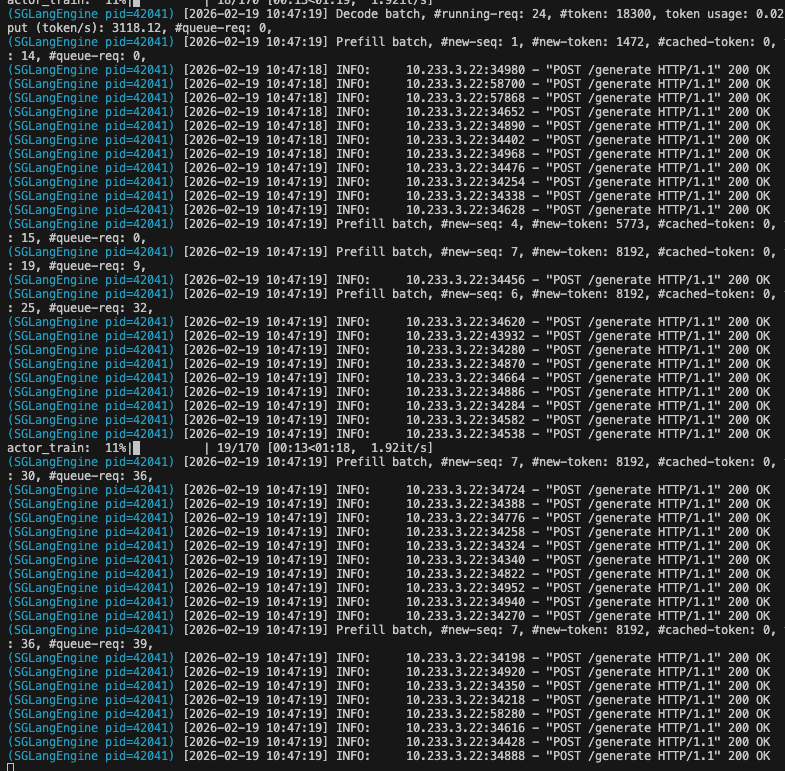
- Load your model and prepare for distributed training
- Connect to SGLang for inference
- Sample multi-turn rollouts from the WhoDunIt environment
- Compute rewards and update the model using GRPO
- Log metrics to WandB
- Save checkpoints periodically
Monitoring Training
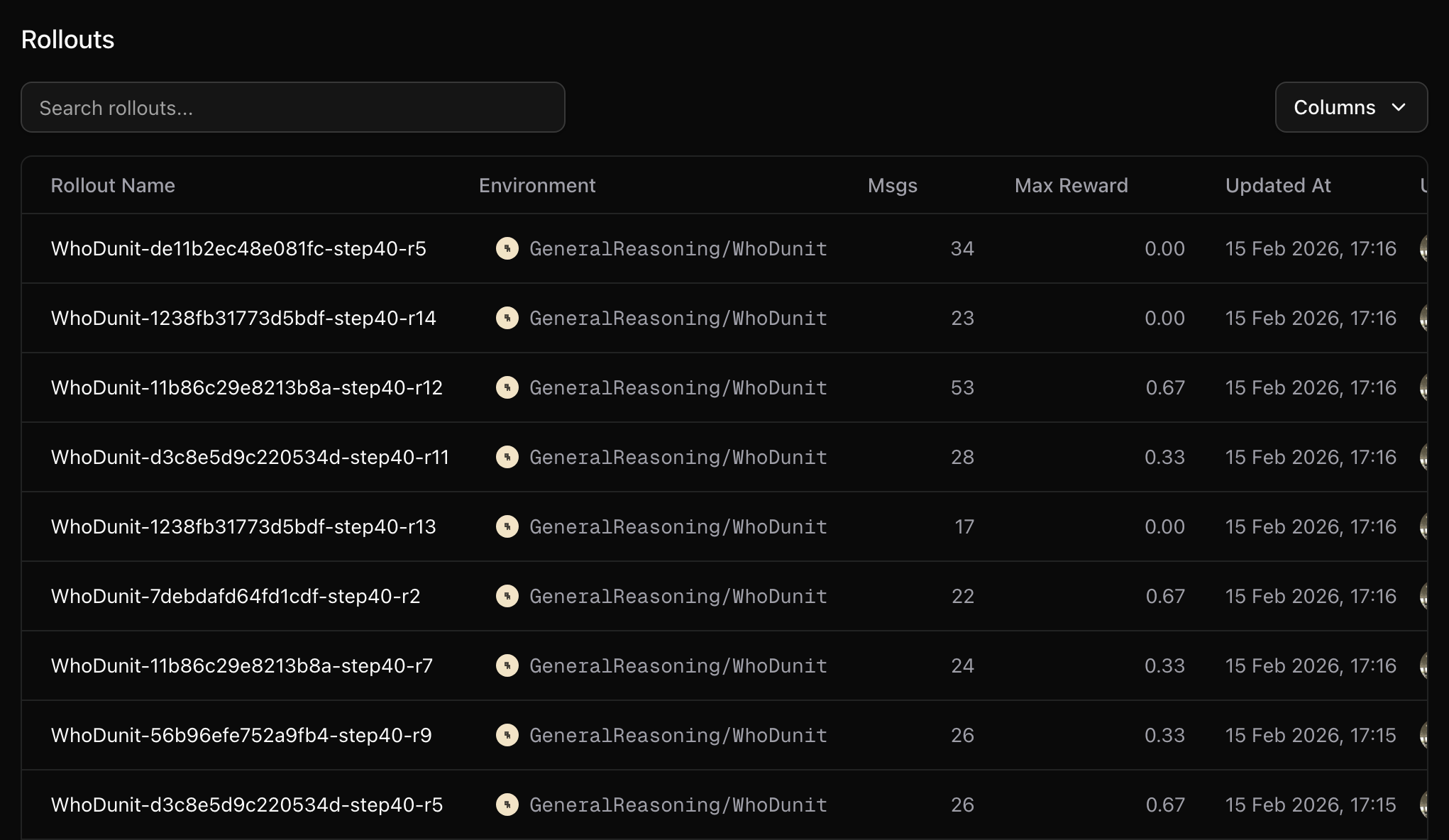
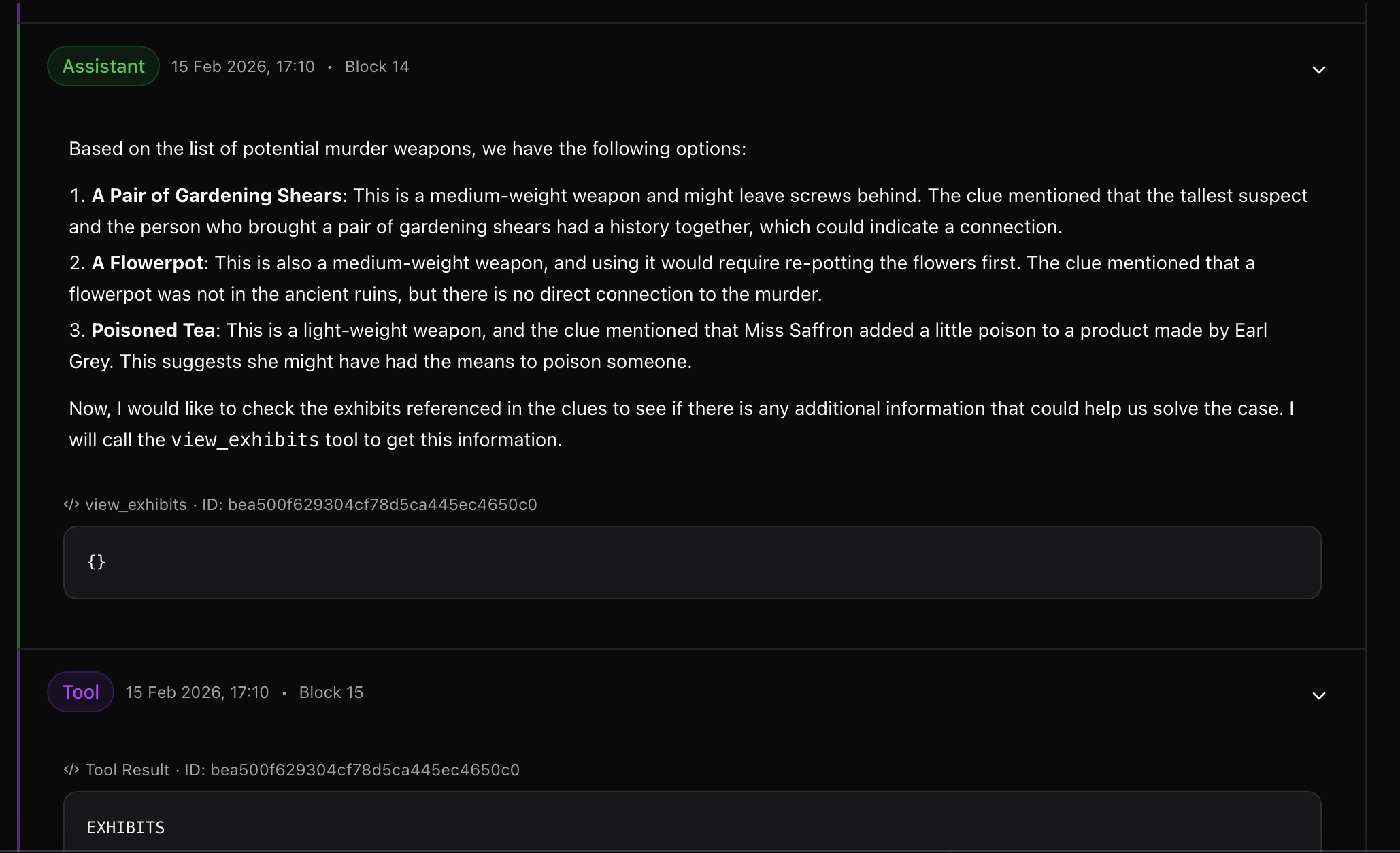
Your training metrics will appear in your WandB dashboard. You can track rewards, response lengths and other key metrics in real-time.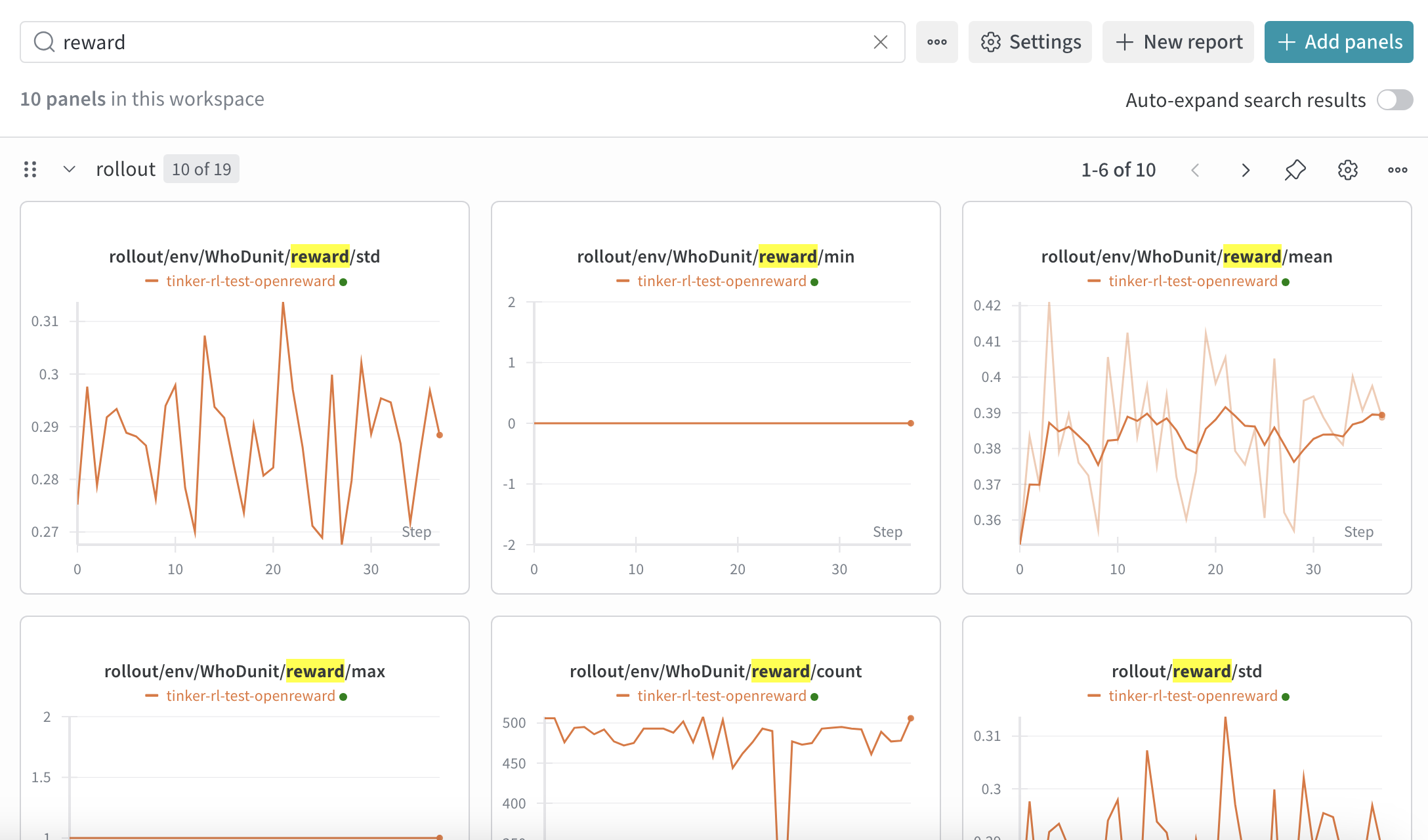
- Training loss over time
- Average reward per episode
- Success rate on tasks
- Learning rate schedule
Additional tips
Some environments require additional secrets, for example environments that use LLM graders or environments that use external search APIs. You can configure these in thesecrets section of train_config.yaml:
Memory considerations
Multi-turn agent rollouts produce long sequences (system prompt + tools + N turns of generation + tool responses). This can cause OOM during training. Key levers:--max-tokens-per-gpu N+--use-dynamic-batch-size: Caps tokens packed per GPU per training step. Start atmax_response_lenand increase for throughput.--gradient-checkpointing: Trades ~10% speed for significantly less activation memory. Enabled by default inrun.sh. Recommended for models with large vocabularies (e.g. Qwen3’s 152k vocab).--context-parallel-size N: Splits long sequences across N GPUs (requires N actor GPUs).max_turnsintrain_config.yaml: Fewer turns = shorter sequences.
Known issue: FSDP logging crash
When using a custom generate function with FSDP, you may encounter anAttribute tokens is not found in packed batch error. Workaround: wrap the logging call in a try/except in miles/backends/fsdp_utils/actor.py:
Next Steps
Evaluate your model
Learn how to run evaluations on your trained model
Build your own environment
Create custom environments for training
Miles Documentation
Learn more about Miles’ capabilities