

Goals
- Set up distributed RL training with Slime
- Configure an OpenReward environment for training
- Monitor training progress with WandB
- Train a model on the WhoDunIt environment
Prerequisites
- Slime installed locally (
pip install -e /path/to/slime) - An OpenReward account and API key
- A WandB account and API key
- Python 3.11+
- NVIDIA GPUs (tested on H100/H200)
Setup
Slime is an RL post-training framework from Tsinghua University. It uses SGLang for fast inference and supports FSDP or Megatron backends for distributed training. In this tutorial, we’ll use it to train a language model on an OpenReward environment using reinforcement learning with GRPO. First, clone the OpenReward cookbook repository and navigate to the Slime training example:Understanding the Training Pipeline
The training pipeline combines three services:- Slime provides the distributed compute infrastructure for running training (FSDP or Megatron backend) and SGLang for fast inference during rollouts
- OpenReward provides the environments and tasks for the agent to learn from
- WandB tracks metrics, logs, and training progress
Selecting an Environment
Browse available environments at OpenReward: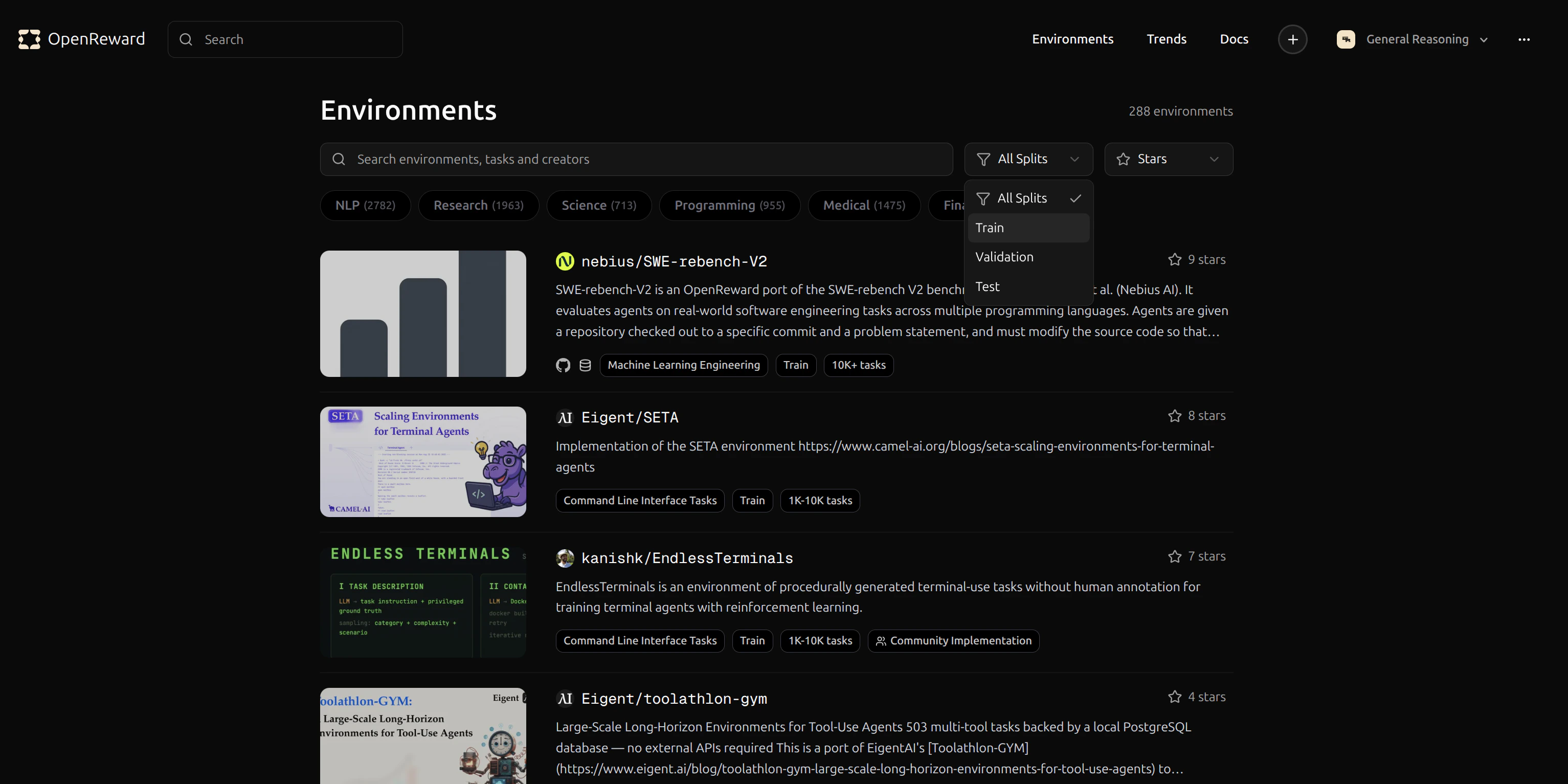
GeneralReasoning/WhoDunIt environment for this tutorial. This environment challenges agents to solve mystery scenarios.
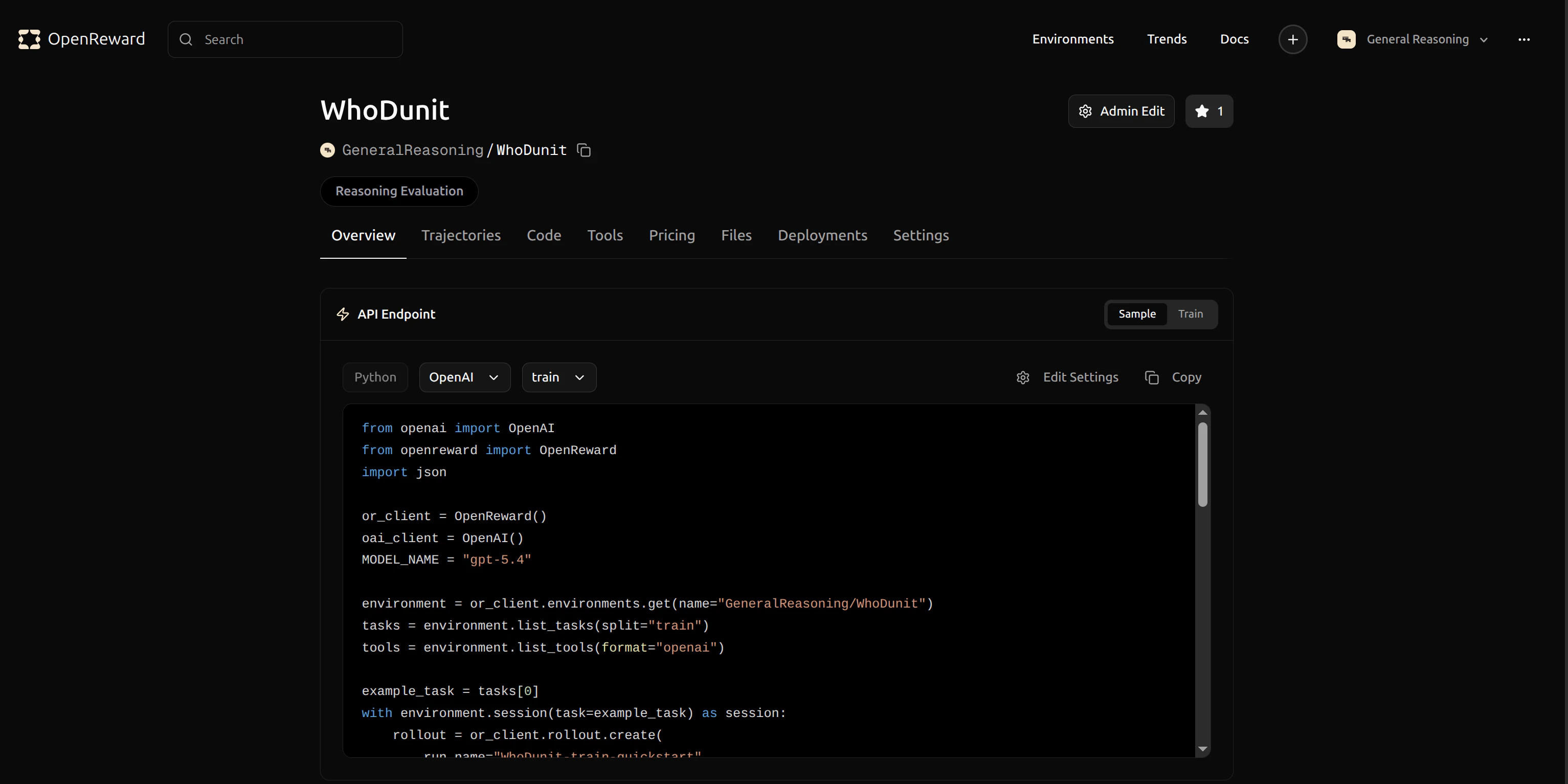
GeneralReasoning/WhoDunIt for use in your config.
Configuration
Training is configured via two files:train_config.yaml — Environment & agent settings
Open train_config.yaml and update the environment configuration to use GeneralReasoning/WhoDunIt:
run.sh — Training hyperparameters
All training, optimizer, cluster, and rollout settings are passed via run.sh CLI flags:
Running Training
Training is a two-step process. First, fetch tasks from OpenReward and write a Slime-compatible JSONL dataset: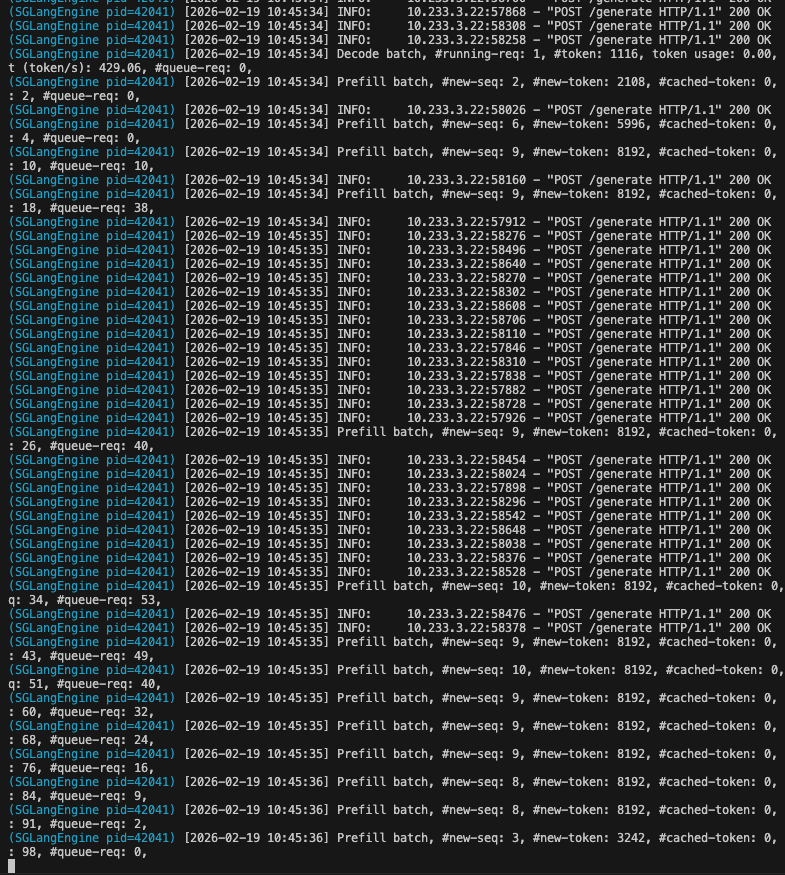
- Load your model and prepare for distributed training
- Connect to SGLang for inference
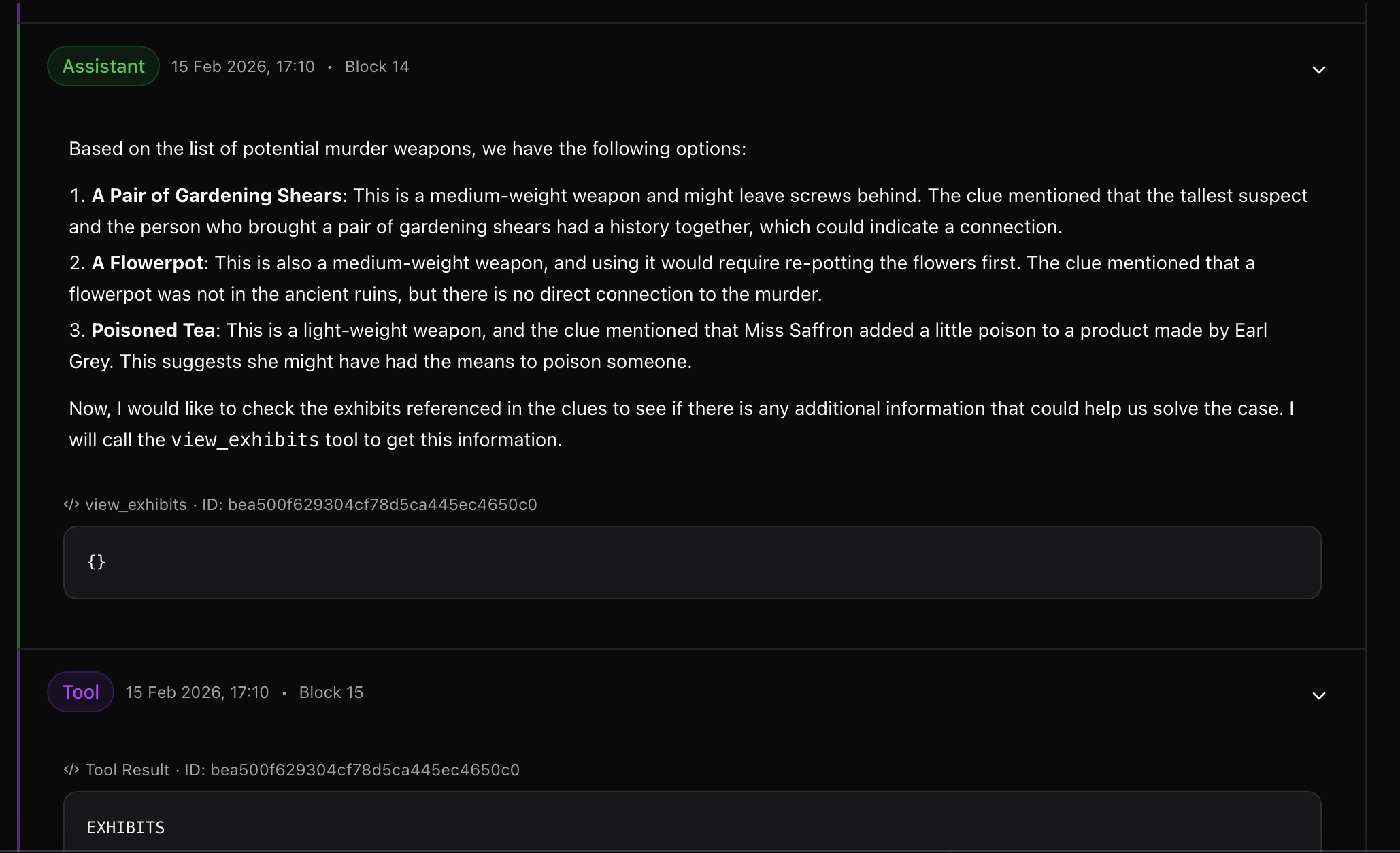
- Sample multi-turn rollouts from the WhoDunIt environment
- Compute rewards and update the model using GRPO
- Log metrics to WandB
- Save checkpoints periodically
Monitoring Training
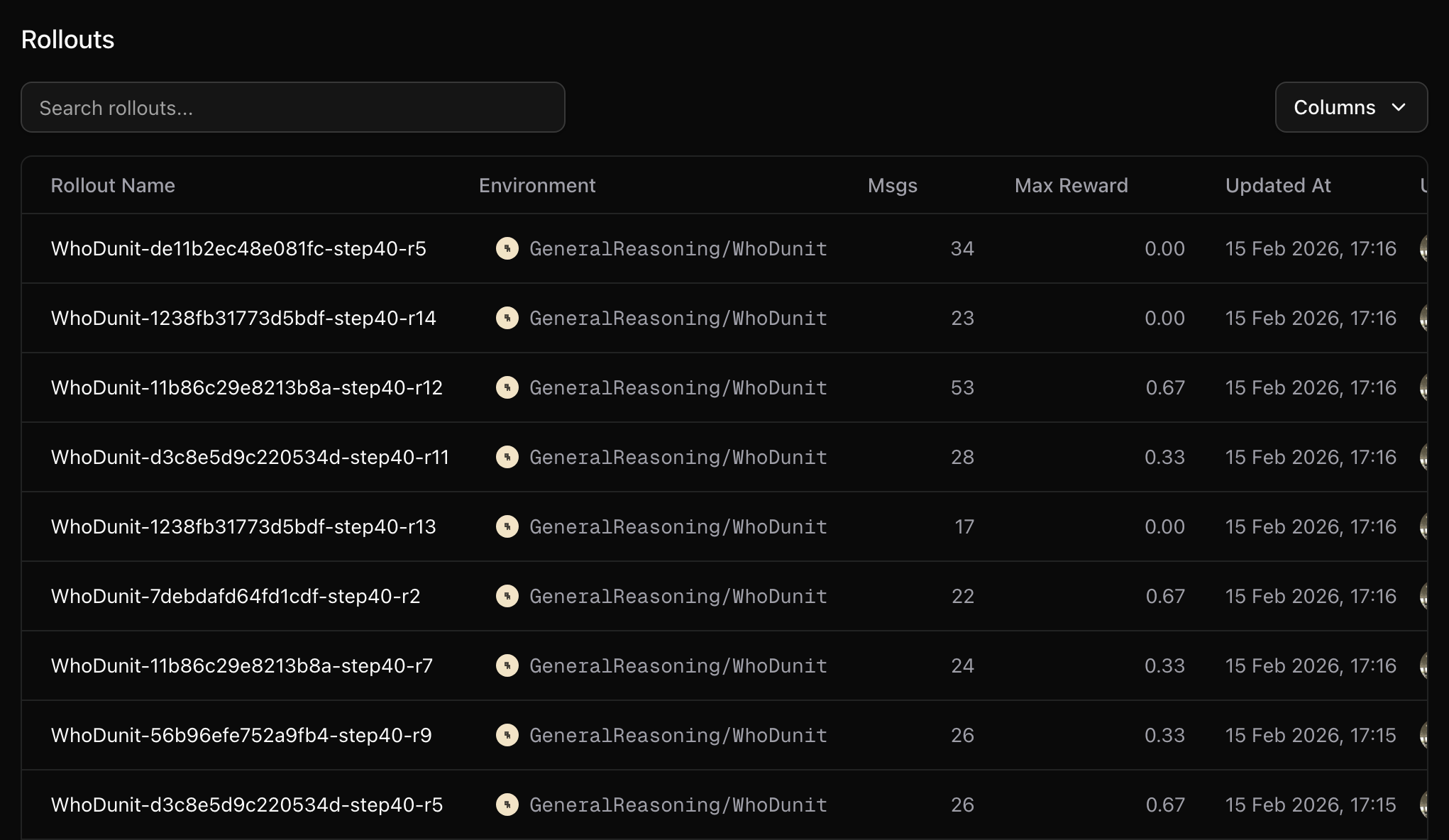
Your training metrics will appear in your WandB dashboard. You can track rewards, response lengths and other key metrics in real-time.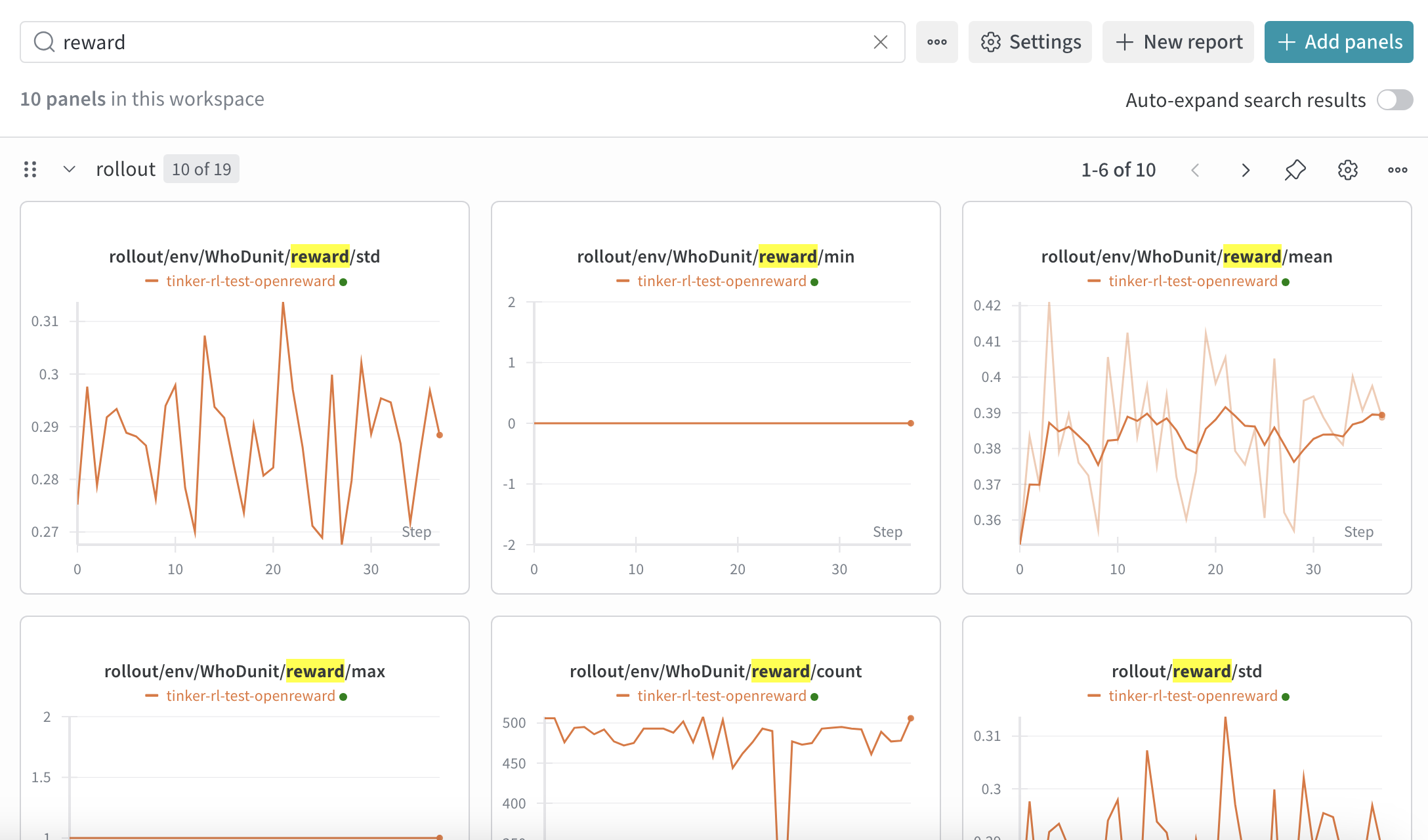
- Training loss over time
- Average reward per episode
- Success rate on tasks
- Learning rate schedule
Additional tips
Some environments require additional secrets, for example environments that use LLM graders or environments that use external search APIs. You can configure these in thesecrets section of train_config.yaml:
Memory considerations
Multi-turn agent rollouts produce long sequences (system prompt + tools + N turns of generation + tool responses). This can cause OOM during training. Key levers:--max-tokens-per-gpu N+--use-dynamic-batch-size: Caps tokens packed per GPU per training step. Start atmax_response_lenand increase for throughput.--gradient-checkpointing: Trades ~10% speed for significantly less activation memory. Recommended for models with large vocabularies (e.g. Qwen3’s 152k vocab).--context-parallel-size N: Splits long sequences across N GPUs (requires N actor GPUs).max_turnsintrain_config.yaml: Fewer turns = shorter sequences.
Next Steps
Evaluate your model
Learn how to run evaluations on your trained model
Build your own environment
Create custom environments for training
Slime Documentation
Learn more about Slime’s capabilities